Rethinking How Files Are Shared
Transforming a dedicated Share folder concept into a modern, flexible, and scalable sharing model.
01 Overview
Bringing flexible sharing into SAP Document Management Service
SAP Document Management Service is an enterprise content management solution that helps organizations securely store, manage, and collaborate on business documents at scale. As the lead product designer, I redesigned the sharing experience to support internal and external collaboration directly from files and folders, removing the need for dedicated share folders.
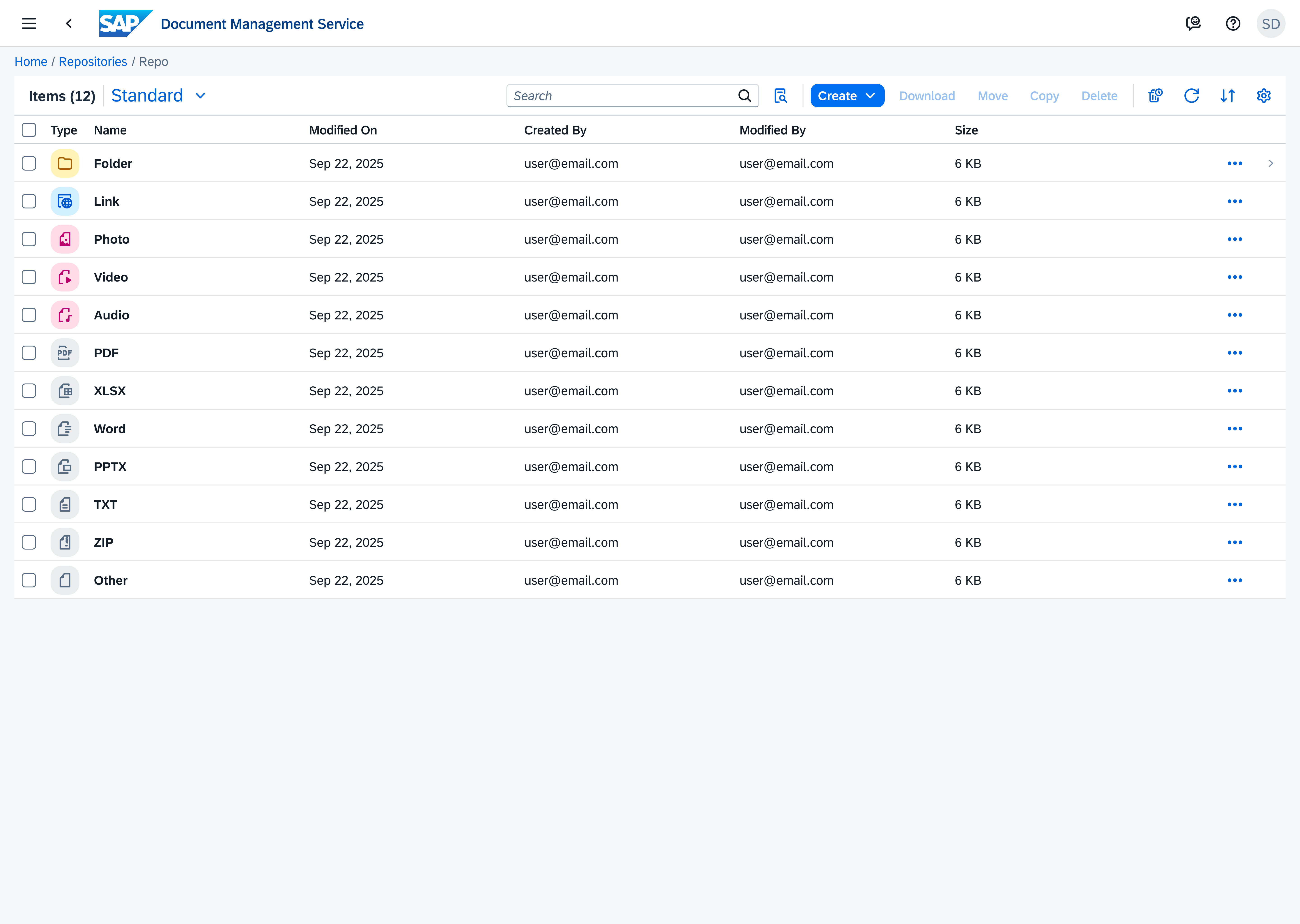
A typical repository structure for managing enterprise files and folders.
02 Challenge
Sharing was limited by product architecture
The existing sharing experience relied on dedicated Share folders, forcing users to work around product limitations instead of sharing content directly. This created unnecessary friction and failed to meet the flexibility users expect from modern file-sharing experiences, highlighting the need for a more intuitive and scalable approach
Dedicated Share Folders
Sharing was restricted to a separate Share folder type, while regular folders couldn't be shared.
Non-Standard Experience
The workflow felt inconsistent with modern sharing experiences found in products like Google Drive and Microsoft SharePoint.
Manual Content Transfer
Existing content had to be moved or uploaded into a Share folder before it could be shared.
No File-Level Sharing
Users couldn't share individual files directly and had to rely on Share folders instead.
Share Any Repository Object
Enabled sharing directly from files and folders without relying on dedicated Share folders.
Modernized User Experience
Redesigned the workflow to feel more intuitive and aligned with modern file-sharing experiences.
Centralized Sharing Controls
Created a centralized experience for managing permissions, access settings, and sharing configurations.
Separate Sharing Flows
Designed separate sharing flows for internal collaboration and external public sharing.
03 Design Solution
From dedicated Share folders to flexible content sharing
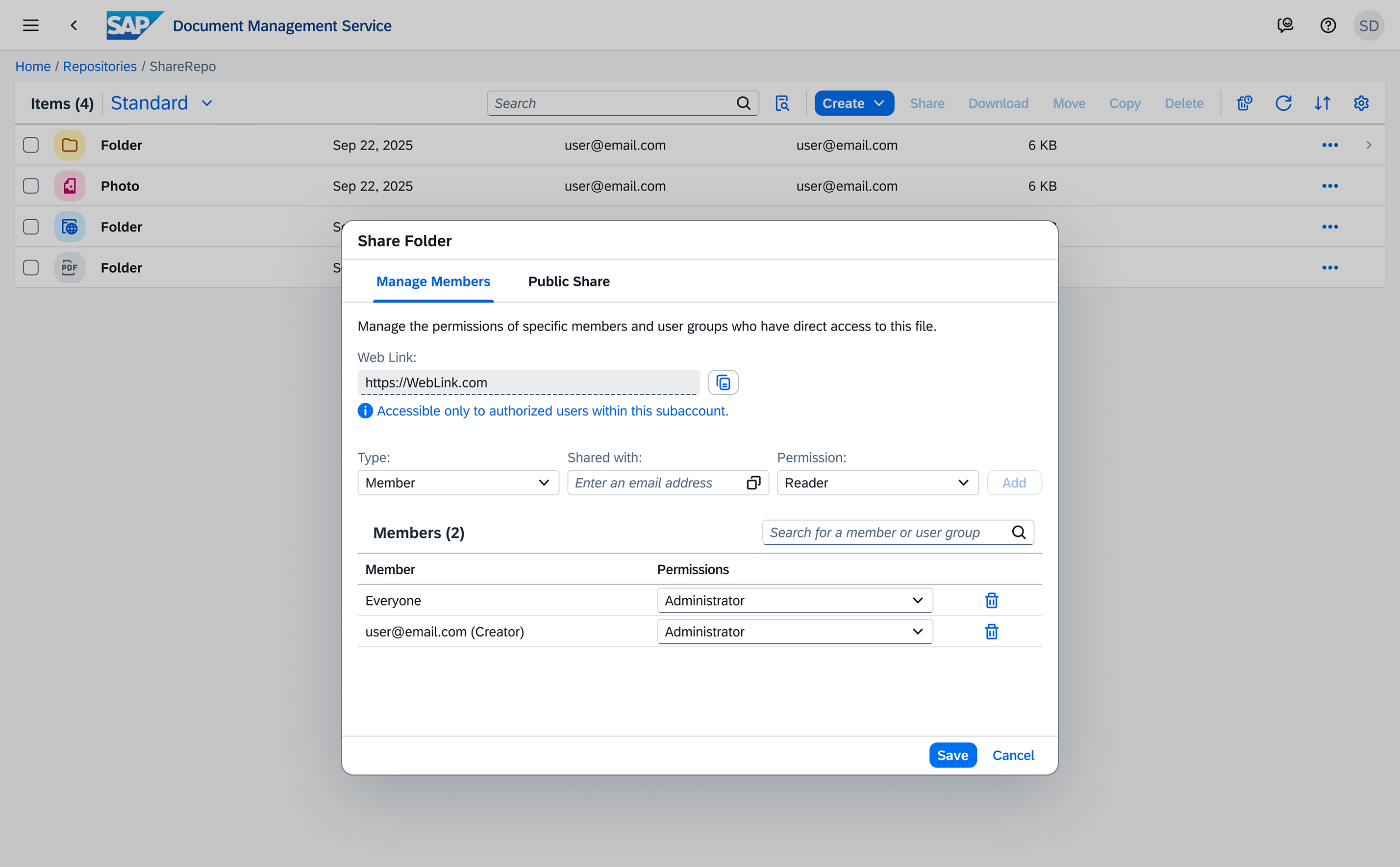
The new experience removed the dependency on dedicated Share folders and introduced a more flexible sharing model. Users can now share files and folders directly, while managing separate internal and public sharing flows with dedicated permissions, security settings, and access controls.
Share any repository object
Sharing is now available directly from every repository object, allowing users to share files and folders without relying on dedicated Share folders.
Users can initiate sharing either through quick object actions or directly from the toolbar.
Separate internal & external sharing experiences
The experience introduced dedicated internal and public sharing flows, each with its own permissions, access controls, and workflow.
The "Share Folder" dialog separates internal member management from public sharing, giving each workflow its own dedicated tab and controls.
Designing the external access experience
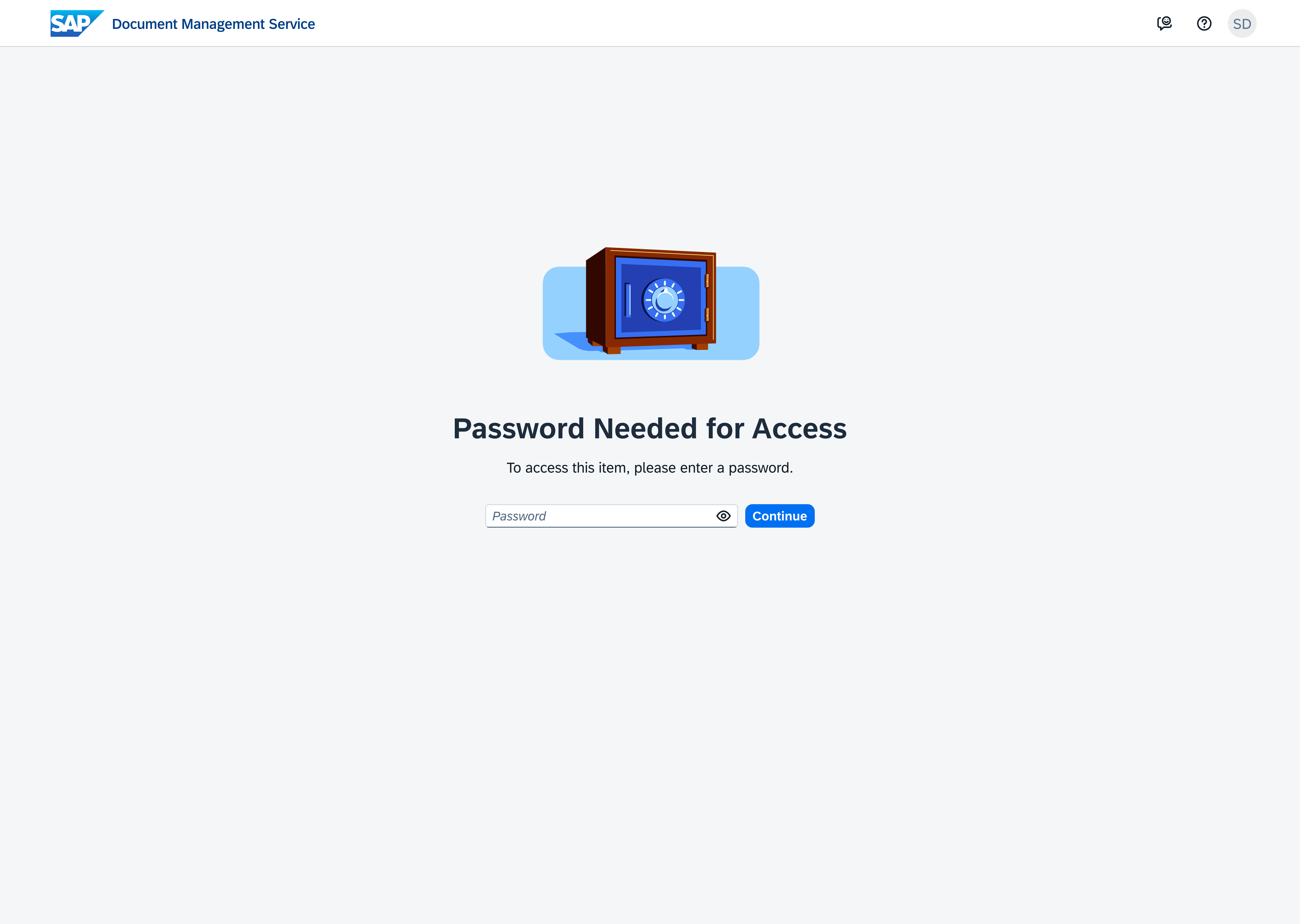
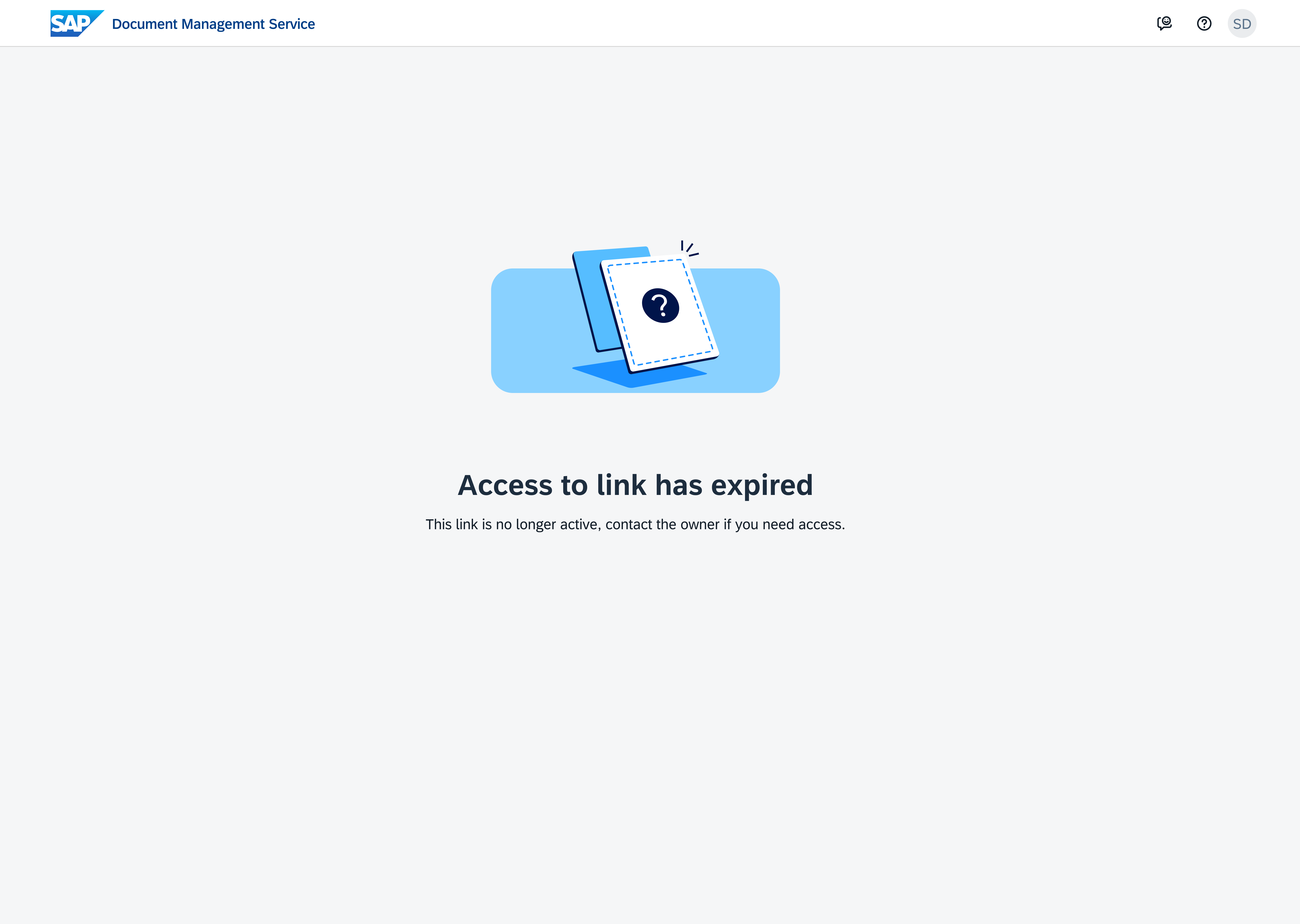
Beyond configuring public sharing, the experience also needed to support external users accessing shared content. Additional states were designed to handle different access scenarios, ensuring secure and intuitive interactions when opening public links.
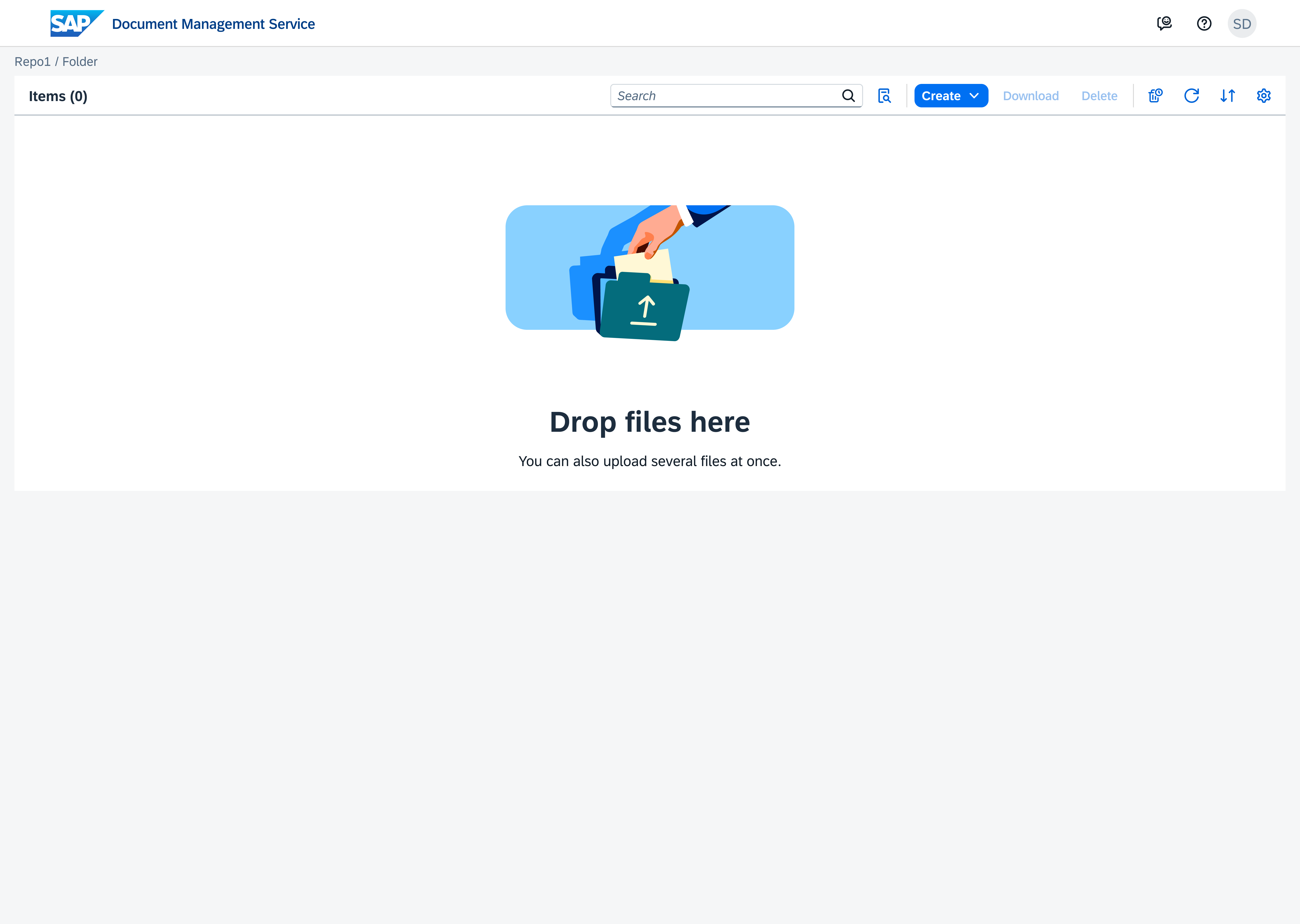
Empty repository state - users see a clear prompt before any content is added.